Filing FSA / HRA claims in BenAsk
FSA or HRA reimbursements in BenAsk: itemized receipts, LMNs when required, administrator portals—COB differs from medical or dental insurance.
When you start a new claim, pick FSA / HRA if that best matches the expense. This helps BenAsk suggest the right checklist and document expectations. Your plan documents remain the authority on coverage.
Nine-step wizard (shared by every type)
BenAsk uses one sequence for every category: Benefit type → Upload documents → Patient → Plans & COB → Service details → Codes & notes → Carrier playbook → Review & validate → Submit (assist). Read the Claims journey hub for the full member-filed path.
Common documents
- Itemized receipt proving eligible service or product
- Letter of medical necessity when your plan requires it for certain items
After you submit
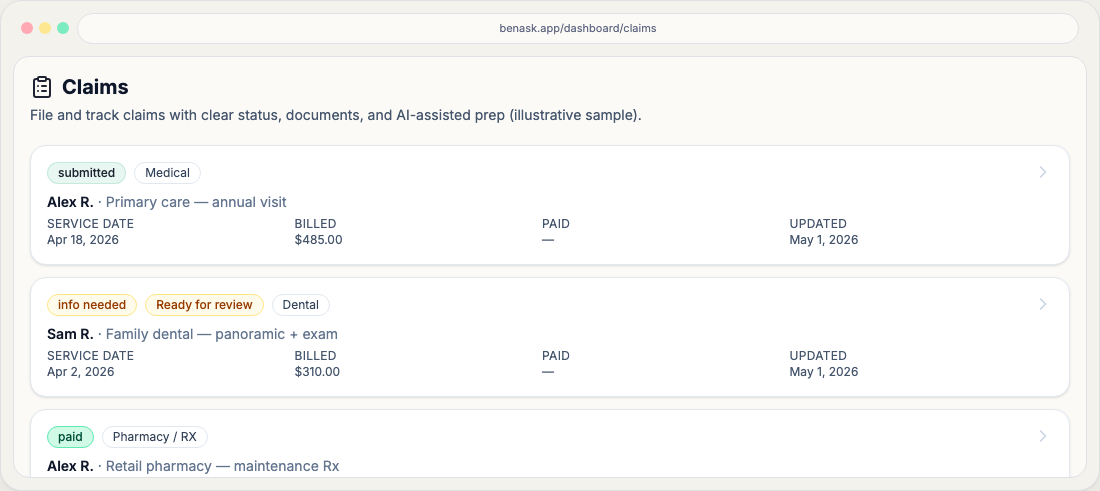
Track workflow status on your Claims page and attach carrier responses (EOBs, letters) to the same claim object for a complete record. The Claims journey hub explains what usually happens next.
FAQ
- What if my expense spans categories?
Pick the category that matches the primary service. If your plan requires separate submissions, create separate claims as instructed by your carrier materials.