How to use the benefits calendar
Track bills due, care visits, and reminders on Calendar. Filter by person or plan type; unpaid bills without a due date stay off the month grid.
The Calendar at /dashboard/calendar is a household benefits timeline, not a generic scheduler. It shows payment due dates, reconstructed visits from uploaded documents and claims, and reminders you add. Service dates stay on visits; due dates stay on bills.
Steps
- Open Calendar
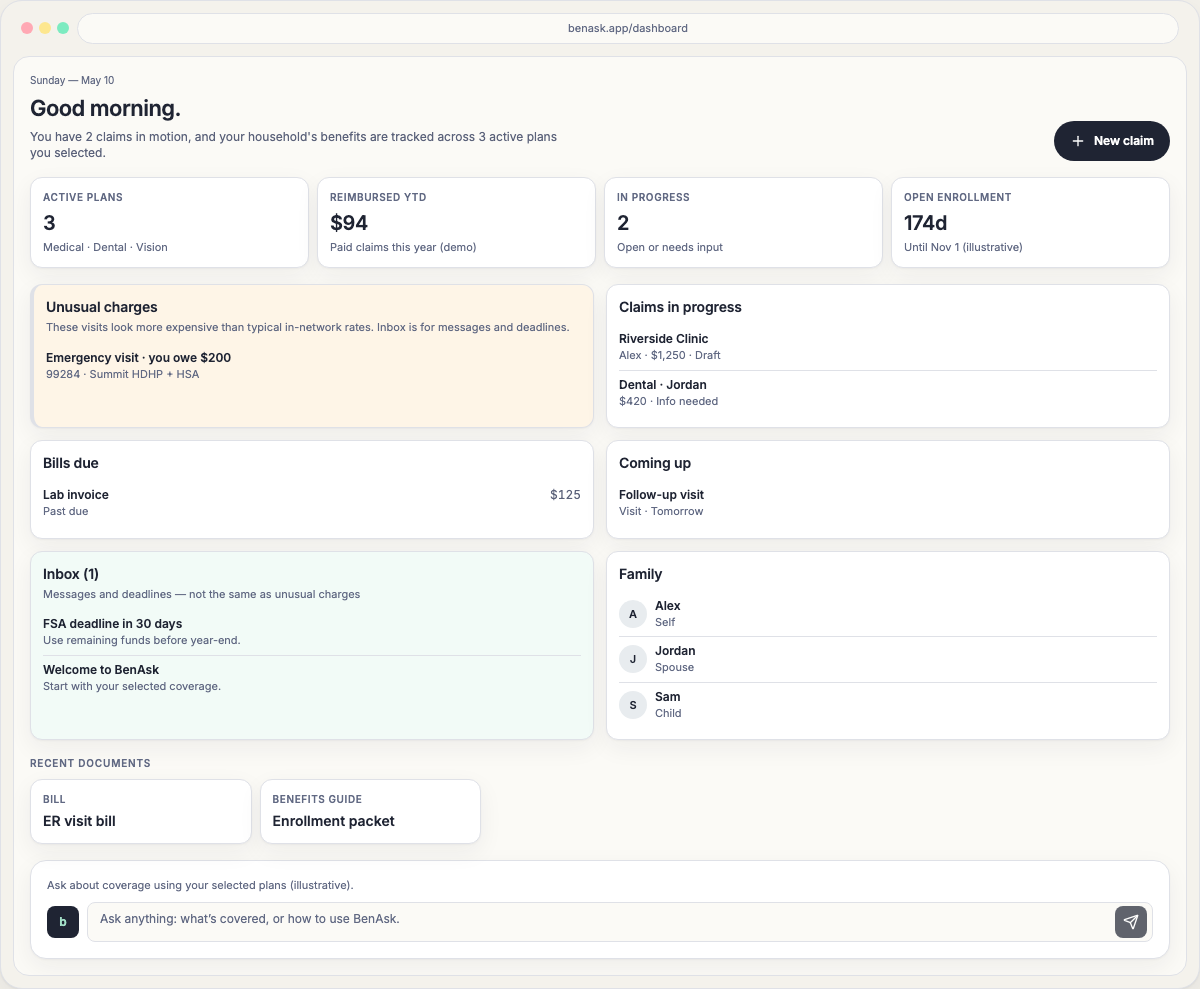
From the dashboard, choose Calendar in the Benefits group, after Documents. The month defaults to the current local month and today is highlighted. The Dashboard home also lists the next 7 days under Coming up and unpaid bills under Bills due.
- Filter the household
Use All or a family chip to see one person. Use the plan type control to limit medical, dental, vision, pharmacy, or other categories you actually have. Events tied to a plan you did not select are omitted.
- Open a day
Tap a date for bills due, visits (with a document or claim link), appointments, and add actions. On a phone the day view takes the screen; Back to month keeps your filters.
- Handle unpaid bills
Bills with a due date land on that day. Amounts owed without a due date stay in Amounts owed without a due date until you set one. Mark paid when you have paid.
What you can add
- Appointments (upcoming visits you schedule).
- Due dates for bills that do not yet have one.
- Reminders (for example, FSA year-end use).
FAQ
- Why is a bill not on the calendar day I visited the doctor?
The visit date is not the payment due date. Unpaid amounts without a due date stay in the unscheduled list until you add a due date or we extract one from the bill.
- Can I see another family member’s events?
Yes. Default is All. Choose a family chip to show only that person. Names come from Family & members, not from numeric IDs.