Account and privacy settings
Manage Account, Plan & billing (Free, complimentary Platinum, coupons, $14/mo Checkout), privacy, onboarding, and inbox notifications.
Open Settings from the dashboard to manage account-level preferences. Some options depend on your employer’s configuration.
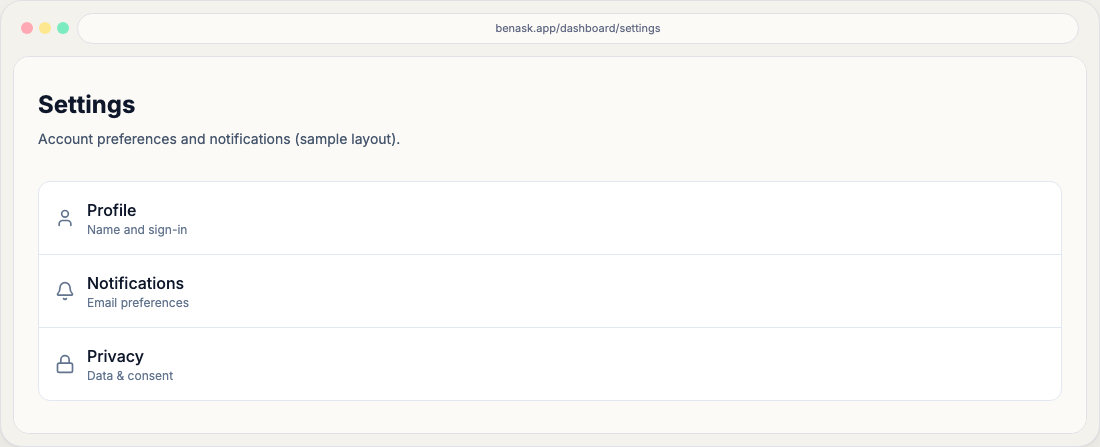
Common areas
- Account profile and sign-in (via your identity provider)
- Plan & billing (complimentary Platinum month, coupons, and paid subscription — also from the header tier chip)
- Onboarding answers and Smart Choice (location, household, usage, and related details)
- Family and members (household roster, invites, and roles)
- Inbox notifications (which message types BenAsk can add, plus claim email)
- Privacy and data controls where offered
- Default family or organization preferences when enabled
Plan & billing
Sign-up is Free and never needs a card. Open Plan & billing from Settings or tap the header plan chip (it goes to /dashboard/settings/billing, not Pricing). You can start one complimentary Platinum month with no card. Coupons add more Platinum time (or credit the next paid invoice if you already subscribe). Paid Platinum is $14/month via Stripe Checkout; manage or cancel in the Stripe Customer Portal after you have a billing customer. Platinum Plus is $34/month through sales—it is not self-serve Checkout. BenAsk sends Stripe only your email and Clerk user id, not health records or plan documents. Compare allowances on Pricing.
Security
Use a strong password or passkey where supported. Sign out on shared devices.
FAQ
- Who can see my organization data?
Members of the same employer organization can see organization-scoped resources as configured by your admin.
- Where do I start a trial or subscribe?
Open Plan & billing from Settings or the header plan chip (
/dashboard/settings/billing). Free and the one complimentary Platinum month never need a card. Paid Platinum is $14/month via Stripe Checkout; coupons add months or credit the next invoice. Platinum Plus is sales-only.